
Dubai Marina coverage – Al Barsha base
Need help now? WhatsApp or call +971 52 812 3622.
Smart STB Installation in Dubai Marina
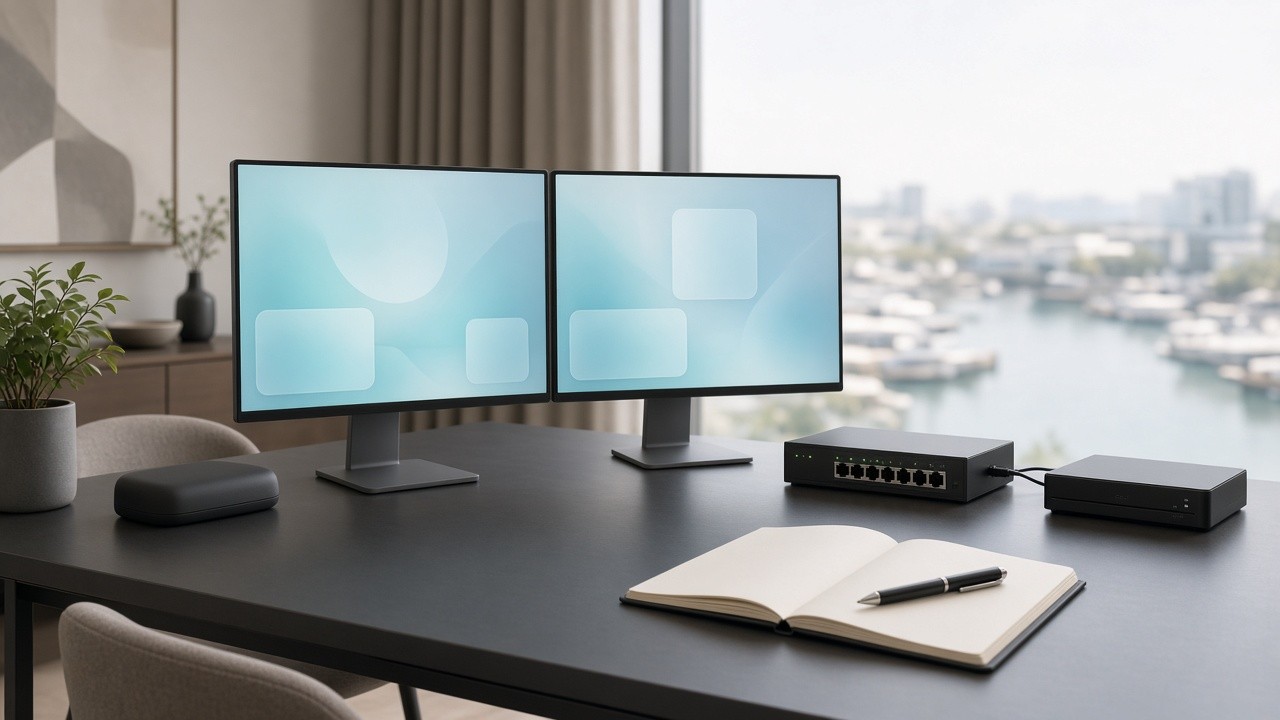
Dubai Marina apartments often run more than one screen – living room plus guest room – so portal accuracy matters as much as the first app install. This page is for Smart STB installation in Dubai Marina with emphasis on Multiportal URL entry, Virtual MAC registration when required, and tidy multi-TV setup under a lawful IPTV Package Dubai subscription.
We are based in Al Barsha, not in the Marina. Remote WhatsApp sessions cover most portal work; on-site visits are scheduled only after we confirm availability and any visit fee.
Portal-first checklist for Marina homes
- Write down the portal name and URL we send for your plan before opening TV menus
- Enable Multiportal, turn on one slot, paste the URL carefully (no trailing spaces)
- If the provider asks, copy Virtual MAC from Device info and send it on WhatsApp
- Reload the portal; confirm categories load before adding a second TV
- On the second TV, repeat install + portal – do not assume settings sync automatically
Primary living room
Best network path first (Ethernet or strong 5 GHz), then portal, then favourites.
Guest room
Lighter device is fine; still needs its own player license path and portal login rules.
Desk / secondary stick
Useful for travel-work stays; keep HDMI and power accessible for quick resets.
Why Marina pages stress portals
Waterfront high-rises change devices often. A correct portal prevents “app opens but no channels” tickets. Deep steps live on our portal setup guide; this location page exists so Marina customers can book help with clear local context.
Smart STB does not supply channels. Use only lawful provider content. We do not guarantee indexing, rankings or unlimited concurrent streams.
General tip: if one Marina room buffers while another is fine, compare Wi-Fi band and distance before reinstalling the app.
Book setup help for Dubai Marina
Base office: Hamdan Juma Building – Al Barsha First – Al Barsha – Dubai, UAE. Hours: Open 24 hours, 7 days a week. Remote WhatsApp/phone guidance is available Dubai-wide; on-site visits outside Al Barsha are available on request and must be confirmed by appointment (availability and any visit fee confirmed before travel).
Service areas (Smart STB installation)
Al Barsha is our verified business base. Business Bay, JLT, Dubai Marina, Palm Jumeirah and International City are coverage areas for remote help, with on-site visits on request – not separate branch offices.
Frequently asked questions
Can you set portals on more than one Marina TV?
Yes, as separate device setups. Each screen needs its own player install and may need its own Smart STB license path. Your IPTV Package Dubai plan rules for concurrent streams still apply.
What is Multiportal mode?
SmartSTB documents Multiportal so you can enable a portal slot, name it, and enter a Ministra/Stalker-style URL (or M3U when that is what your plan uses). We walk those fields with you.
Do you operate from Dubai Marina?
No marina branch. Support is remote from Al Barsha, with on-site visits on request after fee/availability confirmation.
Virtual MAC vs Software ID?
Virtual MAC is commonly used by IPTV providers to register a device. Software ID relates to the Smart STB app license. We help you find both in Device info without mixing them up.
Where do I read portal steps in more depth?
See Smart STB Portal Setup Dubai, then return here for Marina booking context.
Related pages
Important: Smart STB is a player/app made by SmartSTB. It does not include TV channels by itself. An app license (trial or paid) is separate from any IPTV subscription login or portal provided by IPTV Package Dubai. Device compatibility varies by brand, model year and regional store. Customers are responsible for using services in line with UAE laws and regulations. We do not guarantee search rankings or indexing.