
Smart TV IPTV · Easy setup
Smart TV IPTV in Dubai
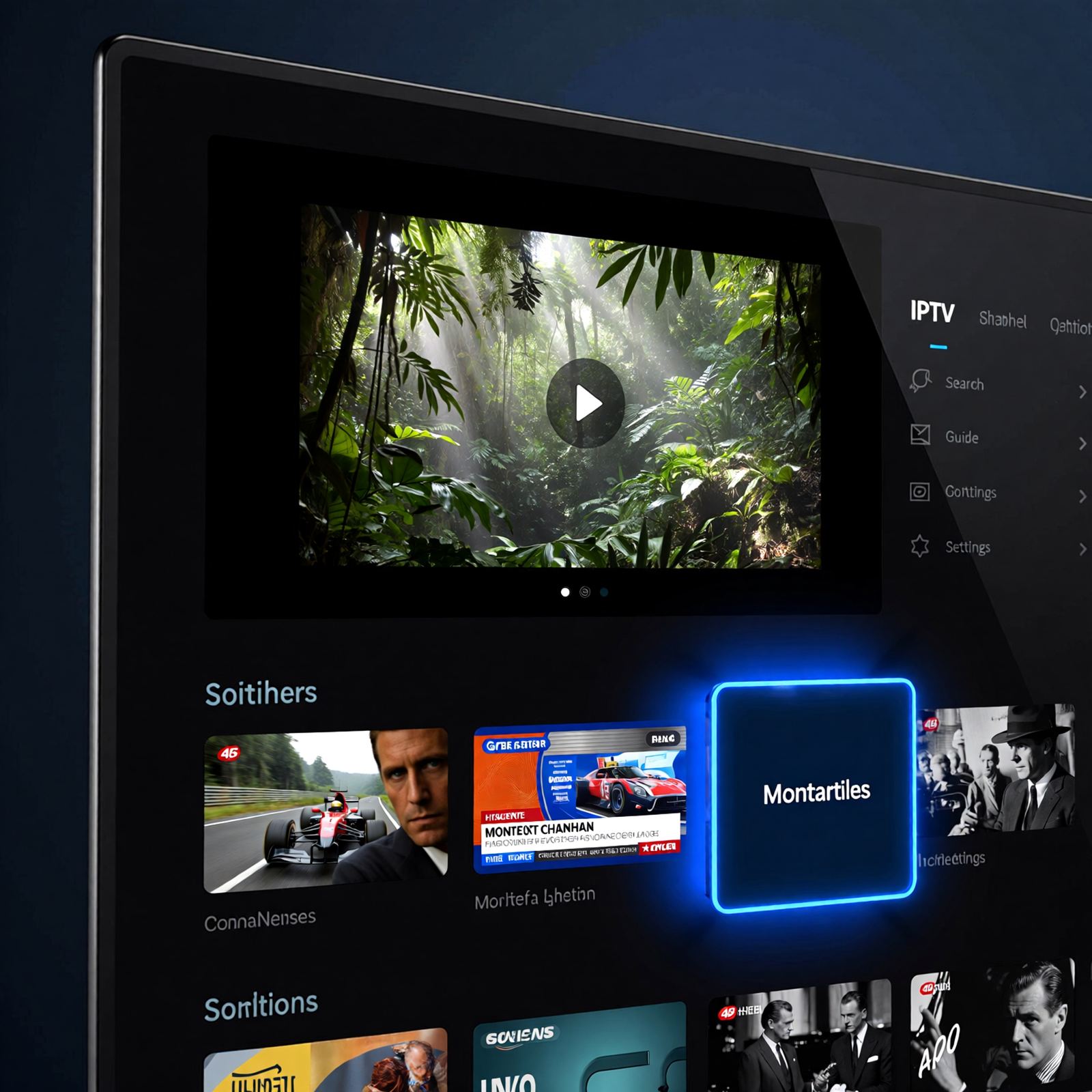
Use the TV you already own. Smart TV IPTV brings your IPTV Package Dubai straight to Samsung, LG and Android TV models through a compatible player app.
Smart TV IPTV
No Extra Box Needed for Most Modern TVs
Most televisions sold in recent years are Smart TVs with their own app store. That means you can usually watch IPTV without buying any extra hardware: install a compatible player app, enter the login details we send you and your Live TV, Sports IPTV, Arabic Channels and Movies On Demand appear on the big screen.
Setup is where many people get stuck, and that is where a local IPTV Service Provider Dubai helps. We guide you step by step over WhatsApp or the phone, recommend an app that suits your TV model and make sure the guide, favourites and picture settings work properly. Smart TV IPTV is included with every IPTV Subscription Dubai plan.
Supported TVs
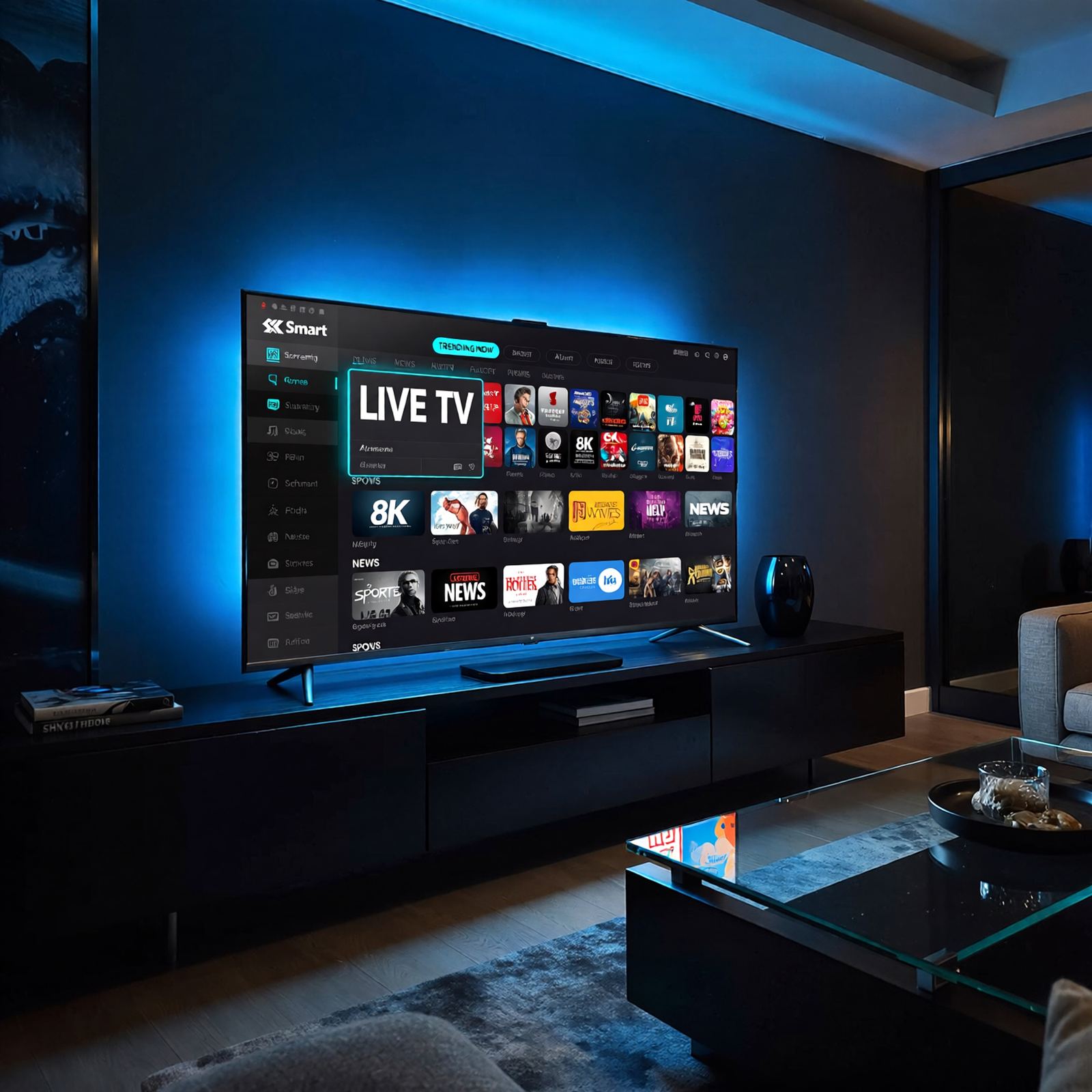
Smart TV IPTV on Samsung, LG and Android TV
Samsung and LG Smart TVs use their own operating systems, while many other brands run Android TV or Google TV. Each platform supports different player apps, so the right choice depends on your model and year. Send us the brand and model number and we will recommend the best option.
If your TV is older, slow or does not support a suitable app, a small IPTV Box or streaming stick plugged into HDMI gives you a modern interface without replacing the TV.
- Samsung and LG Smart TVs via compatible apps
- Android TV and Google TV models
- Works on 4K TVs for Ultra HD content
- Guided setup on WhatsApp or phone
Why Smart TV IPTV
Benefits of Watching on Your Smart TV
The simplest way to enjoy your IPTV Package Dubai on the biggest screen.
No extra hardware
Most modern Smart TVs can run a compatible player app directly.
Ready for 4K
4K Smart TVs can show Ultra HD IPTV content where the source supports it.
Easy guide
Programme guide and favourites on supported apps make browsing simple.
Guided setup
We walk you through installation step by step.
Fast start
Most customers are watching shortly after activation.
Kept current
We help when apps update or you change your TV.
Setup tips
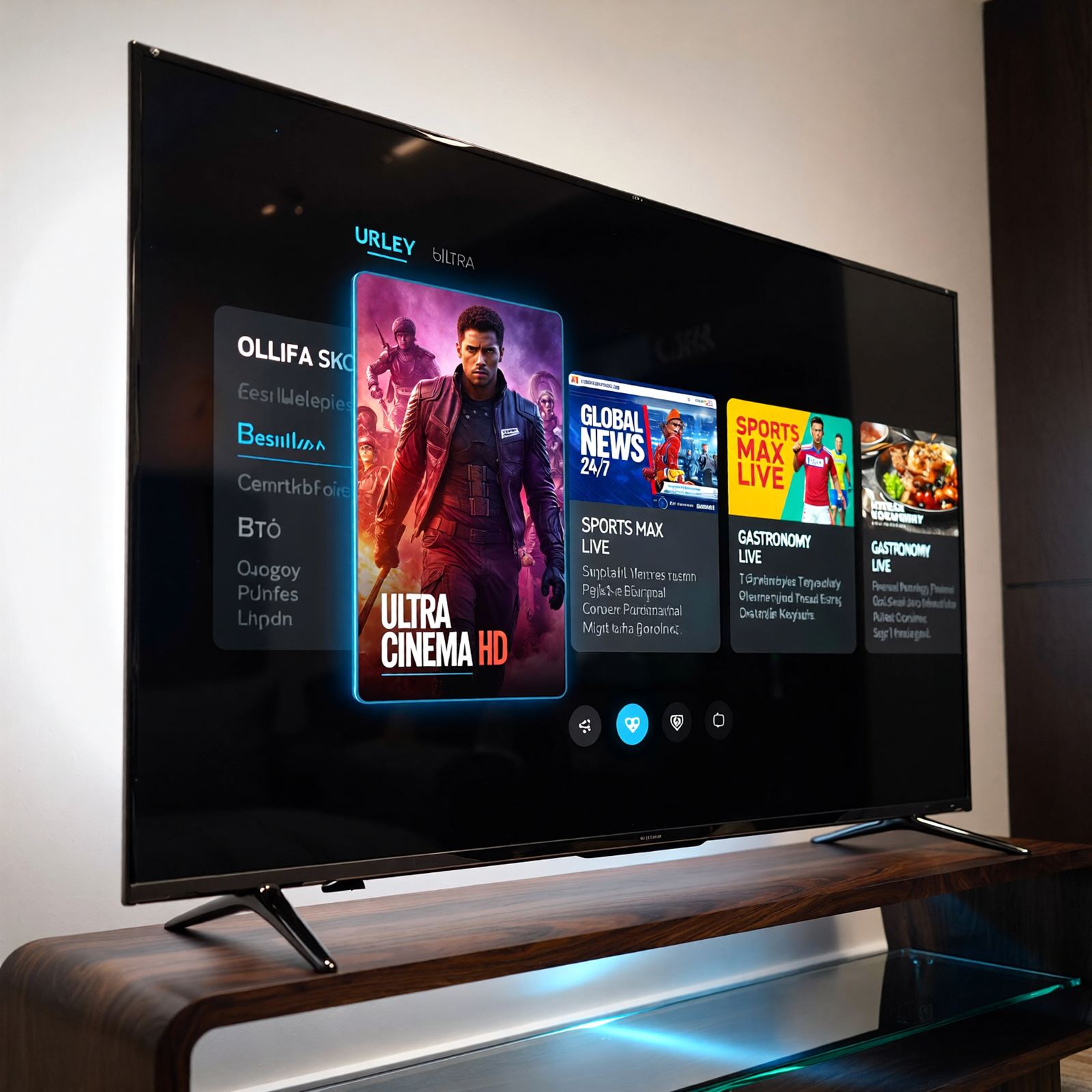
Get the Best Picture From Your Smart TV
Connect the TV with an Ethernet cable where possible, or make sure it uses the 5 GHz Wi-Fi band. Turn off motion-smoothing if it makes sport look unnatural, and keep the TV software updated.
For more on picture quality see 4K IPTV and Ultra HD IPTV, or browse Live TV and IPTV Channels.
FAQ
Smart TV IPTV in Dubai – FAQs
Which Smart TVs support IPTV?
Most recent Samsung, LG and Android TV or Google TV models support a compatible IPTV player app. Send us your model number and we will confirm.
Do I need an IPTV Box with a Smart TV?
Usually not. An IPTV Box is only recommended if your TV is older, slow or cannot install a suitable app.
How long does Smart TV setup take?
With our step-by-step guidance most setups are completed in a short session on WhatsApp or the phone.
Can I use the same subscription on my phone?
Yes, the same login works on phones, tablets and computers. Standard plans allow one active connection at a time; ask about multi-screen options.
Related services
More From Our IPTV Service in Dubai
Sharper detail on big screens with 4K IPTV and Ultra HD IPTV streams where available.
Live TV, IPTV Channels and Global Channels with an easy guide.
Set Up Smart TV IPTV in Dubai
Send us your TV model on WhatsApp and get the latest price for your IPTV Package Dubai plan.