
Hardware install – links to IPTV Box service page
Need help now? WhatsApp or call +971 52 812 3622.
IPTV Box Installation Dubai
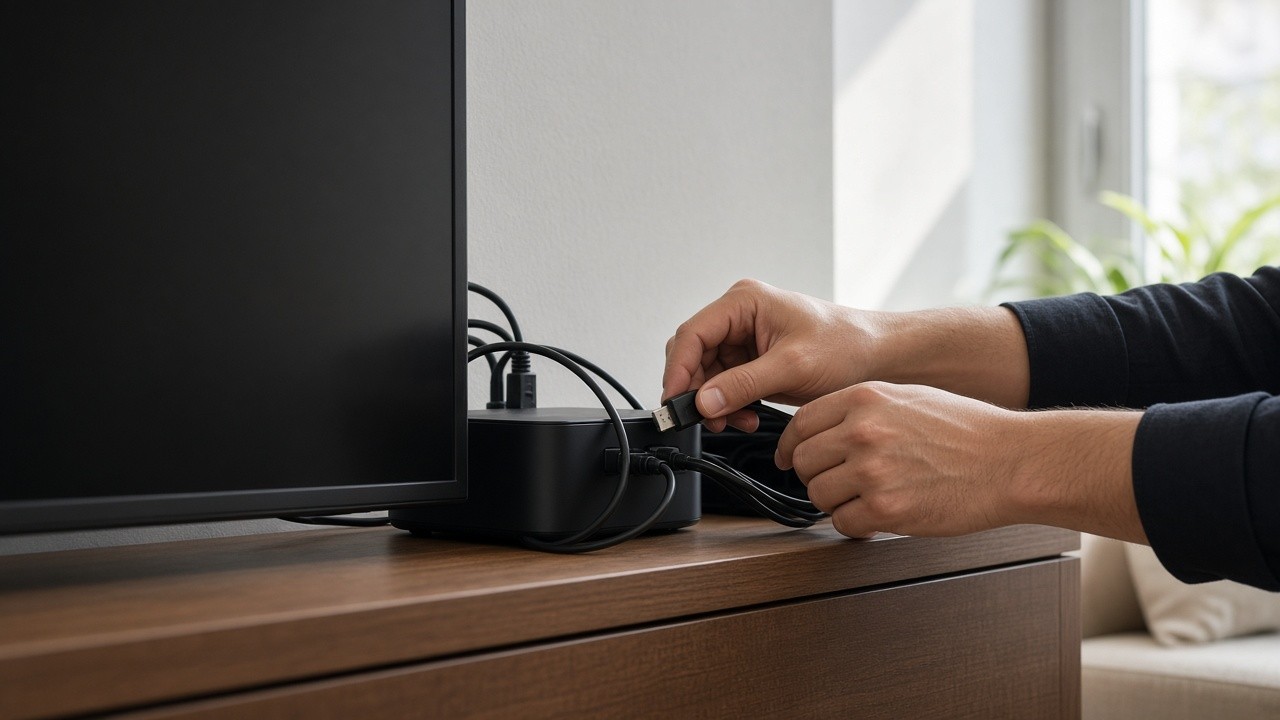
IPTV Box Installation Dubai is for customers who need a dedicated streaming box set up with their IPTV Package Dubai plan – especially when the TV app store is limited.
For buying advice and when a box makes sense, see IPTV Box Dubai service page. This page focuses on the installation steps.
Installation checklist
- Place the box with ventilation; connect HDMI to the TV and power
- Connect Ethernet when possible (best for 4K and live sport); otherwise join 5 GHz Wi-Fi
- Complete first-time OS setup and install system updates
- Install the player app we recommend for that box (Smart STB when available, or another compatible app)
- Add portal/login details for your subscription and test channels
- Set display resolution to match the TV; enable auto frame rate if offered
More device context: How to Set Up IPTV in Dubai (Android TV box section). If you prefer a Smart TV-only path, see Smart TV IPTV Setup Dubai.
What to send on WhatsApp
Send your TV and box models, whether you already have a box, and your community if you are asking about an on-request visit.
Book setup help
Base office: Hamdan Juma Building – Al Barsha First – Al Barsha – Dubai, UAE. Hours: Open 24 hours, 7 days a week. Remote WhatsApp/phone guidance is available Dubai-wide; on-site visits outside Al Barsha are available on request and must be confirmed by appointment.
Dubai areas we can assist
Our Al Barsha base is at Hamdan Juma Building – Al Barsha First – Al Barsha – Dubai, UAE. We can assist customers in Business Bay, JLT, Jumeirah, Palm Jumeirah, Dubai Marina and International City with remote setup over WhatsApp or phone. On-site help in those areas is available on request – please message first so we can confirm availability, timing and any visit fee before you book.
Frequently asked questions
Do I always need an IPTV Box?
No. Many modern Smart TVs run a player app directly. A box helps for older, slow or store-limited TVs – details on our IPTV Box service page.
Will you supply the box?
Mention it when you contact us and we can include a suitable device in a custom quote with the full price confirmed before you pay.
What does installation include?
HDMI and power connection, network (Wi-Fi or Ethernet), system updates, installing a compatible player app, adding your subscription details and a playback test.
Can Smart STB run on an Android TV box?
SmartSTB lists Android TV among supported platforms when the app is available. We confirm per device.
On-site box installation in Marina or JLT?
Available on request from our Al Barsha base after we confirm timing. Remote guidance can cover the software steps without a visit when the hardware is already connected.
Related pages
Important: Smart STB is a player/app made by SmartSTB. It does not include TV channels by itself. An app license (trial or paid) is separate from any IPTV subscription login or portal provided by IPTV Package Dubai. Device and software compatibility varies by TV brand, model year and regional app store availability. Customers are responsible for using services in line with UAE laws and regulations.