
Smart TV setup – broader than one app
Need help now? WhatsApp or call +971 52 812 3622.
Smart TV IPTV Setup Dubai
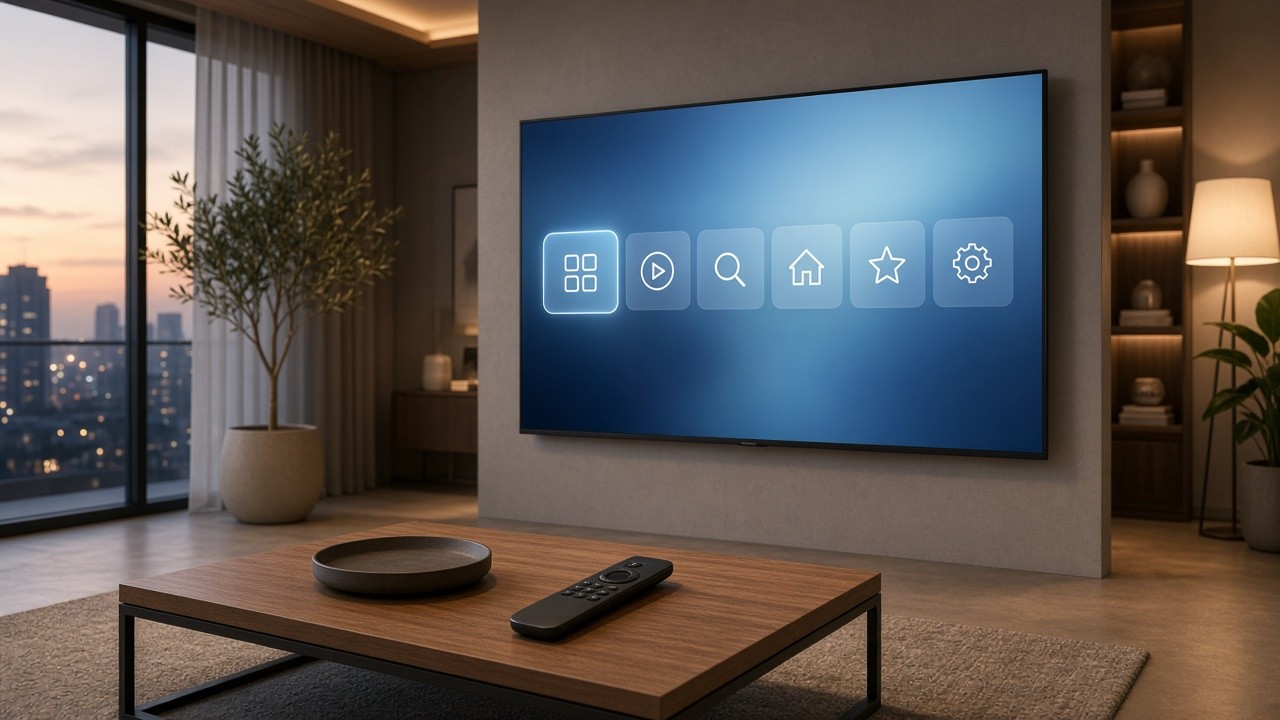
Smart TV IPTV Setup Dubai is the practical path to watch your IPTV Package Dubai plan on the television you already own – Samsung, LG, Android TV/Google TV and similar platforms.
For benefits and positioning, see our service overview at Smart TV IPTV in Dubai. This page focuses on setup steps.
Setup flow
- Note brand, model and year (Settings then Support or the rear sticker)
- Message us – we recommend a compatible player (Smart STB when listed, or another supported app)
- Install from the official store and complete first-launch screens
- Add your portal/login details for the subscription
- Test live TV and on-demand; adjust network if needed
For Smart STB-specific detail continue to Smart STB Setup, Samsung or LG. General multi-device notes remain on How to Set Up IPTV in Dubai.
Picture and network tips
- Prefer Ethernet or strong 5 GHz Wi-Fi
- Disable aggressive motion smoothing if sport looks unnatural
- Keep TV firmware updated
What to send on WhatsApp
Send your Smart TV brand and model. We recommend a compatible player and walk through setup for your IPTV Package Dubai plan.
Book setup help
Base office: Hamdan Juma Building – Al Barsha First – Al Barsha – Dubai, UAE. Hours: Open 24 hours, 7 days a week. Remote WhatsApp/phone guidance is available Dubai-wide; on-site visits outside Al Barsha are available on request and must be confirmed by appointment.
Dubai areas we can assist
Our Al Barsha base is at Hamdan Juma Building – Al Barsha First – Al Barsha – Dubai, UAE. We can assist customers in Business Bay, JLT, Jumeirah, Palm Jumeirah, Dubai Marina and International City with remote setup over WhatsApp or phone. On-site help in those areas is available on request – please message first so we can confirm availability, timing and any visit fee before you book.
Frequently asked questions
How is this different from your Smart TV IPTV service page?
The service page explains watching IPTV on Smart TVs generally. This page is a setup workflow focused on getting a player and subscription working, including Smart STB when it fits.
Is Smart STB required for Smart TV IPTV?
No. It is one compatible player option when available for your model. We may recommend another player if Smart STB is missing from your store.
Do I need an IPTV Box with a modern Smart TV?
Usually not. A box helps for older, slow or store-limited TVs – see our IPTV Box page.
How fast should my internet be?
Practical targets: about 15-20 Mbps stable for HD/Full HD and 25 Mbps+ for 4K, tested on the TV.
Can one plan run on phone and TV?
The same account can be set up on multiple devices, but simultaneous streams depend on your plan. Ask us about multi-screen options.
Related pages
Important: Smart STB is a player/app made by SmartSTB. It does not include TV channels by itself. An app license (trial or paid) is separate from any IPTV subscription login or portal provided by IPTV Package Dubai. Device and software compatibility varies by TV brand, model year and regional app store availability. Customers are responsible for using services in line with UAE laws and regulations.