
Installation service – Al Barsha base
Need help now? WhatsApp or call +971 52 812 3622.
Smart STB Installation Dubai
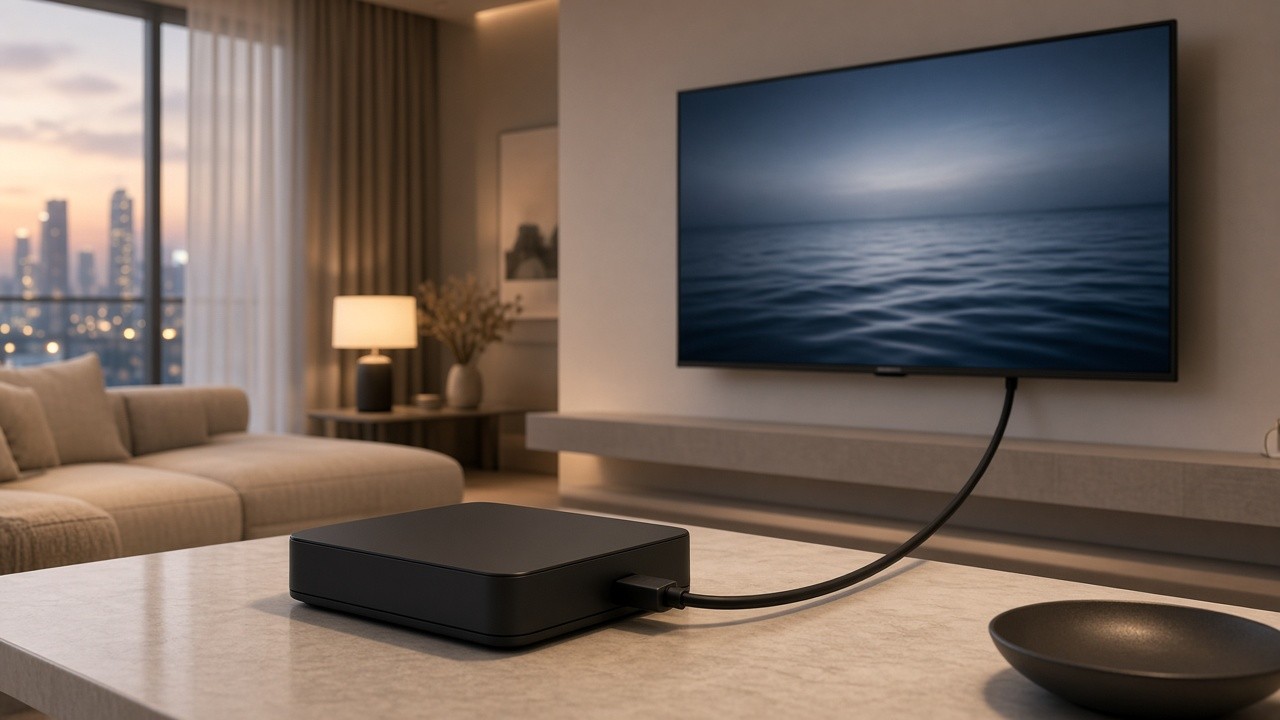
Smart STB is a set-top-style player app. According to SmartSTB, the app does not come with TV services; you configure a portal or playlist from your content provider. An app license is separate from an IPTV subscription. This page is for people who want hands-on Smart STB Installation Dubai help rather than a DIY walkthrough alone.
What we install for you
Installation means getting the player running on your screen and connecting it to the portal for your active IPTV Package Dubai subscription – not adding channels inside the app itself. We typically cover:
- Checking your TV or box model and whether Smart STB (or another suitable player) is available for it
- Installing the app from the official store when listed, or advising an alternative device path if it is not
- Walking through first-launch terms, the trial screen and Device Info (Software ID / Virtual MAC) as documented by SmartSTB
- Entering the portal name and URL we supply for your subscription, then testing live playback
- Basic network checks (Wi-Fi band, Ethernet, buffering) using the same practical advice as our IPTV setup guide
Compatibility depends on store listings and OS support for your model. If Smart STB is unavailable, we may recommend another compatible player or an IPTV Box path instead.
Installation steps we follow (based on SmartSTB documentation)
- Install and open Smart STB, then review the disclaimer and Terms of Service screens.
- Accept terms only if you agree; otherwise uninstall. Accepting starts the documented 7-day free trial for the app license.
- Open System settings – Portals, enable Multiportal mode, turn on a portal slot, and enter the portal name plus the Ministra/Stalker-style URL (or M3U if that is what your plan uses). SmartSTB recommends Ministra/Stalker portals for the fullest experience.
- If the provider needs it, share your Virtual MAC from Device info so the subscription can be registered – Virtual MAC is for the IPTV provider; Software ID is for the Smart STB app license.
- Reload the portal and confirm channels or VOD load. For licensing beyond the trial, follow SmartSTB’s activation pages on their site.
Official SmartSTB references: How to activate the app and Virtual MAC.
When installation is the right choice
New subscription
You just ordered an IPTV Package Dubai plan and want the first TV done correctly.
New TV or box
You replaced hardware and need the app, portal and favourites rebuilt.
Stuck on menus
You can see Smart STB but cannot find Portals, Device info or licensing screens.
Prefer a written walkthrough first? See Smart STB Setup Dubai. Prefer guided help on WhatsApp? Use the booking buttons below.
What to send on WhatsApp
Send your TV or box model, whether Smart STB is already installed, and your community. Ask on WhatsApp for current plan options on our IPTV Plans & Pricing page.
Book setup help
Base office: Hamdan Juma Building – Al Barsha First – Al Barsha – Dubai, UAE. Hours: Open 24 hours, 7 days a week. Remote WhatsApp/phone guidance is available Dubai-wide; on-site visits outside Al Barsha are available on request and must be confirmed by appointment.
Dubai areas we can assist
Our Al Barsha base is at Hamdan Juma Building – Al Barsha First – Al Barsha – Dubai, UAE. We can assist customers in Business Bay, JLT, Jumeirah, Palm Jumeirah, Dubai Marina and International City with remote setup over WhatsApp or phone. On-site help in those areas is available on request – please message first so we can confirm availability, timing and any visit fee before you book.
Frequently asked questions
What does Smart STB Installation Dubai include?
We help you install the Smart STB player app where it is available for your device, accept the in-app terms, start the trial or license flow, add the portal details we provide for your IPTV Package Dubai plan, and check that live TV opens. Exact menus vary by TV brand and app version.
Is Smart STB itself my IPTV provider?
No. Smart STB is a player/app. SmartSTB states the app does not provide TV services. Your IPTV subscription and portal come from your provider (for example IPTV Package Dubai). App licensing is a separate purchase from SmartSTB when the trial ends.
Do you install on-site everywhere in Dubai?
Our office is in Al Barsha. Most installations are completed remotely over WhatsApp or phone. On-site visits in Business Bay, JLT, Jumeirah, Palm Jumeirah, Dubai Marina, International City and nearby areas are available on request and must be confirmed before travel.
Which devices can you install on?
SmartSTB lists support across multiple platforms including Samsung Smart TV, LG Smart TV, Android TV, Apple TV, Fire TV, Chromecast, iOS and Android. Availability of the app in your regional store and compatibility with a specific model year can vary – send us your brand and model so we can confirm.
How long does installation take?
Timing depends on your device, network and whether the app is available in your store. We can guide the session over WhatsApp or phone once your plan details are ready.
Related pages
Important: Smart STB is a player/app made by SmartSTB. It does not include TV channels by itself. An app license (trial or paid) is separate from any IPTV subscription login or portal provided by IPTV Package Dubai. Device and software compatibility varies by TV brand, model year and regional app store availability. Customers are responsible for using services in line with UAE laws and regulations.